Phase 1: Prepare
- Secure the new domain. Register the new .at domain as soon as the name is settled, ideally together with obvious variants.
- Record your content. List all pages of the existing website. Which are visited most, and which rank high on Google?
- Clarify responsibility. Appoint one person to coordinate the change and talk to the agency and the provider.
- Choose the timing. Don't switch in the middle of your peak season. A quieter period is more forgiving of small mishaps.
Phase 2: Switch
- Set up the website on the new domain and test it thoroughly before it goes public.
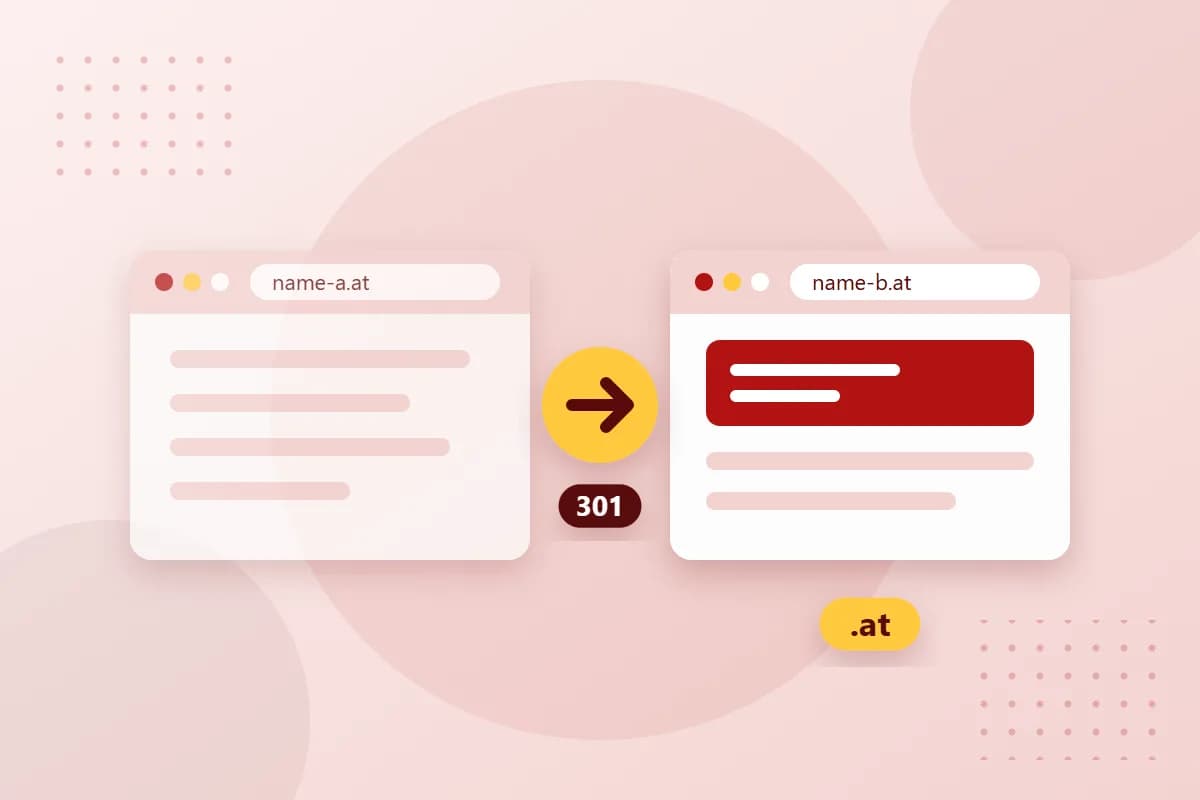
- Redirect every old page. Set up permanent 301 redirects that lead every old address to its new counterpart and not to the home page across the board.
- Move email addresses. Create the new mailboxes and forward messages sent to the old addresses. Also change sender addresses in your newsletter tool, online shop and accounting.
- Inform Google. Add the new domain in Google Search Console and report the change of address there.
Phase 3: Follow up
- Update imprint and disclosure. The new company name and, where applicable, the new legal form belong on the website and in email signatures.
- Correct listings. Adjust your business profile on Google, business directories, review portals and social media profiles.
- Notify partners. Ask suppliers, associations and important customers to change links and contact details.
- Watch the results. In the first few weeks, check visitor numbers and error messages. Fluctuations on Google are normal at first.
What you should never do
Do not cancel the old domain. As long as it belongs to you, regular customers and old links will find you. If it becomes available, someone else can register it – in the worst case a competitor.
Conclusion
A domain change is a manageable project if you divide it into phases and keep the old address as a bridge. Our domain search shows you whether your new preferred name is still available.