What changes when you switch provider – and what doesn't
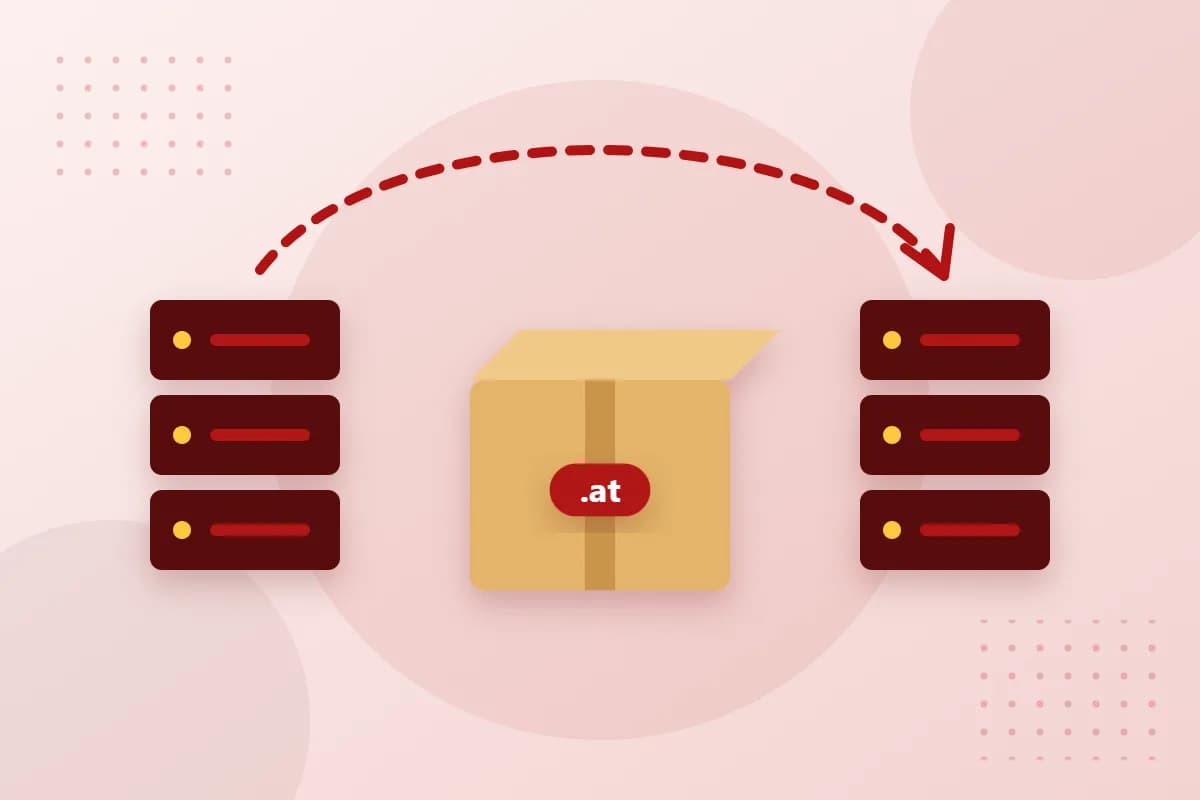
Your contract for the domain is with nic.at, the registry for .at domains – regardless of which provider manages the domain for you. When you change provider, the only thing that changes is who looks after the domain technically. You remain the holder, and the term of your domain stays the same.
Step 1: Check contracts and terms
Take a look at your current contract: are there notice periods for hosting or email packages? Is a renewal coming up soon? Plan the switch so that you don't pay twice and your hosting only ends once everything is running at the new location.
Step 2: Back up all DNS records
Write down or export your domain's DNS records – in particular the address of your website (A or AAAA record), the mail servers (MX) and TXT records for SPF, DKIM or third-party verifications. This list is your roadmap for the switch.
Step 3: Request the AuthInfo code from your current provider
Since 30 September 2015, a change of provider for .at domains has only been possible with an AuthInfo code. As the domain holder, you receive this code from your current provider. It confirms that you want the change and protects your domain against unauthorised transfers.
Step 4: Order the transfer at reg.at
Look up your domain in our domain search – for registered domains you will see the price for transferring them to us. After registering, enter the AuthInfo code in the Domain-Robot. We initiate the change at nic.at on your behalf.
Step 5: Switch over and secure
- Set up your website and mailboxes at the new destination and copy your DNS records.
- Then change the name servers and test your website as well as sending and receiving email.
- After a successful transfer, have a new AuthInfo code set – otherwise the old one would remain valid.
Conclusion
With an AuthInfo code and good preparation, changing provider for .at domains is done in no time. Do you have questions about the process? Our support team will gladly guide you through the move.