The problem: senders can be faked
Any mail server can send a message with your address as the sender. Large mail providers therefore distrust emails whose origin cannot be proven and filter them out. At the same time, fraudsters use forged senders to slip fake invoices to your customers. The solution consists of three building blocks.
The three building blocks at a glance
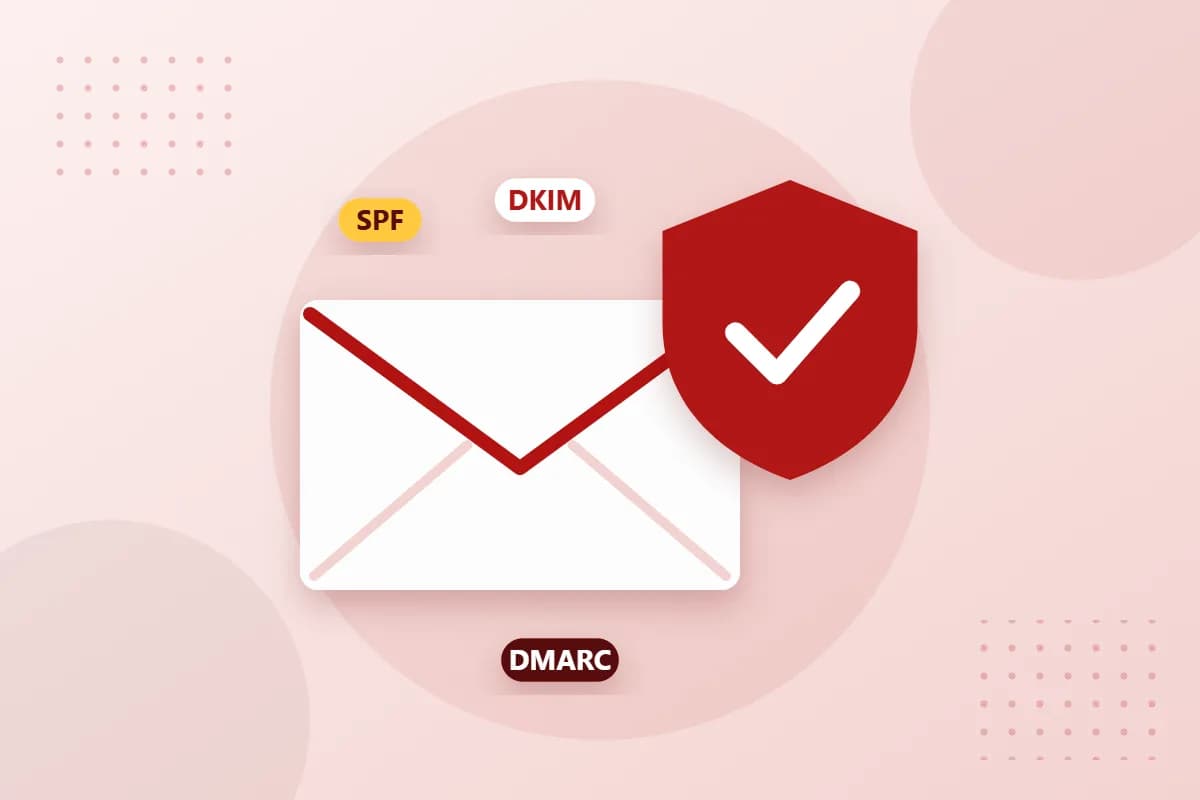
- SPF specifies which servers may send email on behalf of your domain.
- DKIM signs every message digitally so that forgeries and alterations stand out.
- DMARC determines what happens to emails that fail these checks and sends you reports.
Step by step to a secure domain
- List all services that send email in your name: mail server, newsletter tool, online shop, accounting.
- Create a single SPF record that includes all of these services. Several SPF records per domain are a common mistake.
- Enable DKIM at your mail provider and add the key shown as a DNS record.
- Publish a DMARC record, initially with the policy
p=noneand an address for the reports. - After a few weeks, tighten the policy to
p=quarantineand finally top=reject.
How to check the result yourself
Send a test email to a Gmail account and use the “Show original” function there. If SPF, DKIM and DMARC each show “PASS”, everything is set up correctly. If a “FAIL” appears, a service is usually missing from the SPF record or the DKIM key has not been added correctly.
Tip: protect domains without email too
Do you own additional domains that never send email? Then an SPF record v=spf1 -all and a DMARC policy p=reject prevent fraudsters from misusing these addresses as forged senders.
Conclusion
With three DNS records you noticeably improve the deliverability of your emails and protect your .at domain against misuse. At reg.at you manage all records conveniently in the Domain-Robot. Our support team will be happy to help you with the setup.